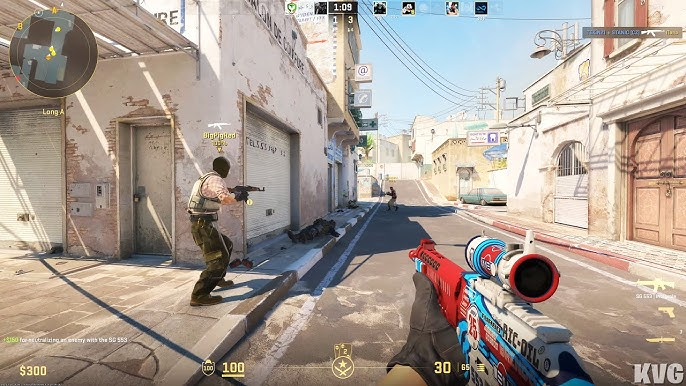
Why is my CS2 mic quiet?
CS2's audio engine relies heavily on your Windows default settings. If your mic is naturally quiet, you'll be drowned out by AWPs and flashbangs.
The Solution
Cruze Blast applies raw digital gain to your microphone and uses a noise gate to filter out your mechanical keyboard switches.
CS2 Setup Guide
- Open Cruze Blast and route your mic to CABLE Input.
- Open Steam Settings > Voice.
- Change your Voice Input Device to CABLE Output.
- CS2 uses your Steam voice settings, so you are now ready to play!
Ready to dominate voice chat?
Download Cruze Blast for free and boost your mic volume up to 6000 dB with zero latency.
Download Cruze Blast