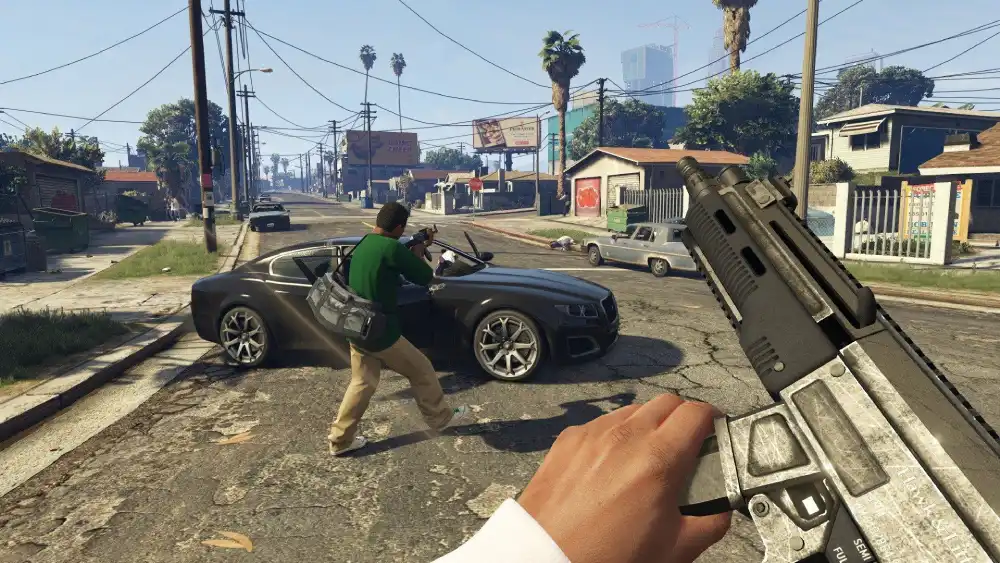
The FiveM Voice Chat Problem
If you play GTA V Roleplay on FiveM servers, you know how hard it is to be heard. Between loud custom car engine mods, sirens, and crowded city squares, having a quiet microphone means your roleplay interactions get completely ignored or talked over.
The Solution: Cruze Blast
Cruze Blast is a free audio engine that creates a virtual microphone on your PC. It intercepts your quiet mic, applies up to 6000 dB of digital gain, filters out your background noise with a smart noise gate, and feeds it directly into FiveM.
Since the processing happens in real-time with zero latency, your voice matches your character's mouth movements perfectly, and you'll never be drowned out by a V12 engine again.
Setup Guide for FiveM
- Launch Cruze Blast. Select your physical microphone as the Input Source.
- Select CABLE Input (VB-Audio Virtual Cable) as your Output Destination, and hit the Power button.
- Open GTA V Settings. Navigate to the Voice Chat tab.
- Change your Voice Chat Input Device to
CABLE Output (VB-Audio Virtual Cable). - Adjust the gain slider in Cruze Blast until your friends can hear you clearly in-game.
Ready to dominate voice chat?
Download Cruze Blast for free and boost your mic volume up to 6000 dB with zero latency.
Download Cruze Blast