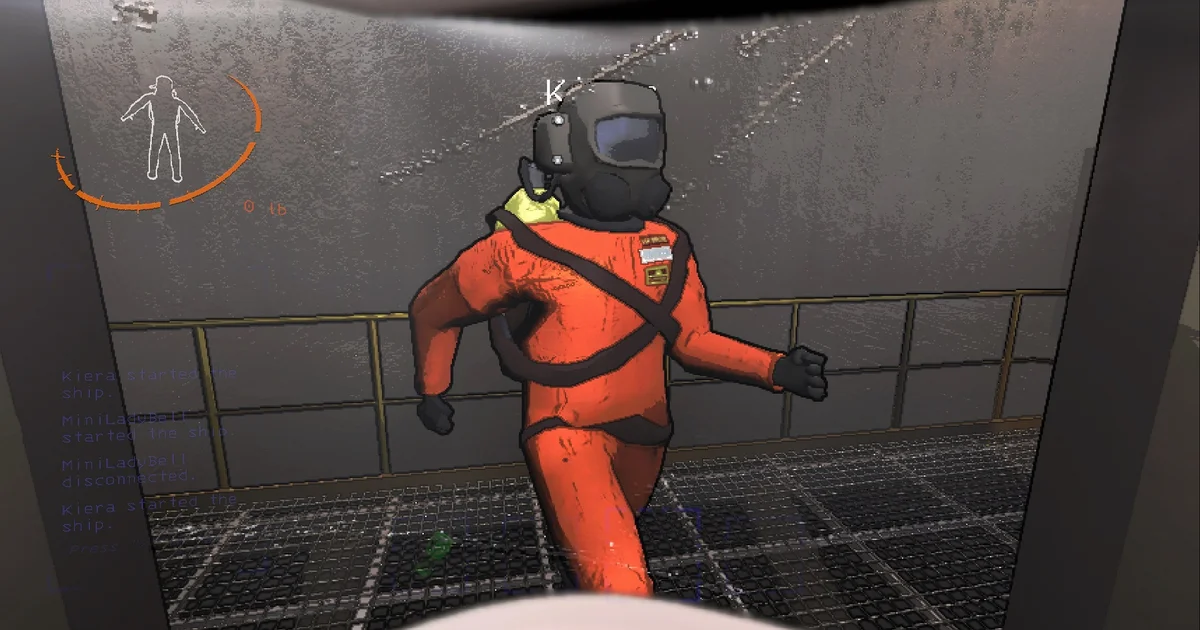
Proximity Chat Issues
Lethal Company's proximity chat is what makes the game fun, but if your mic is too quiet, your crewmates won't hear your warnings.
Cruze Blast to the Rescue
Use Cruze Blast to amplify your microphone. You can even use the soft-clipper to intentionally distort your mic for hilarious walkie-talkie moments.
Setup Guide
- Route your mic through Cruze Blast to CABLE Input.
- In Lethal Company Settings, change your Microphone device to CABLE Output.
Ready to dominate voice chat?
Download Cruze Blast for free and boost your mic volume up to 6000 dB with zero latency.
Download Cruze Blast