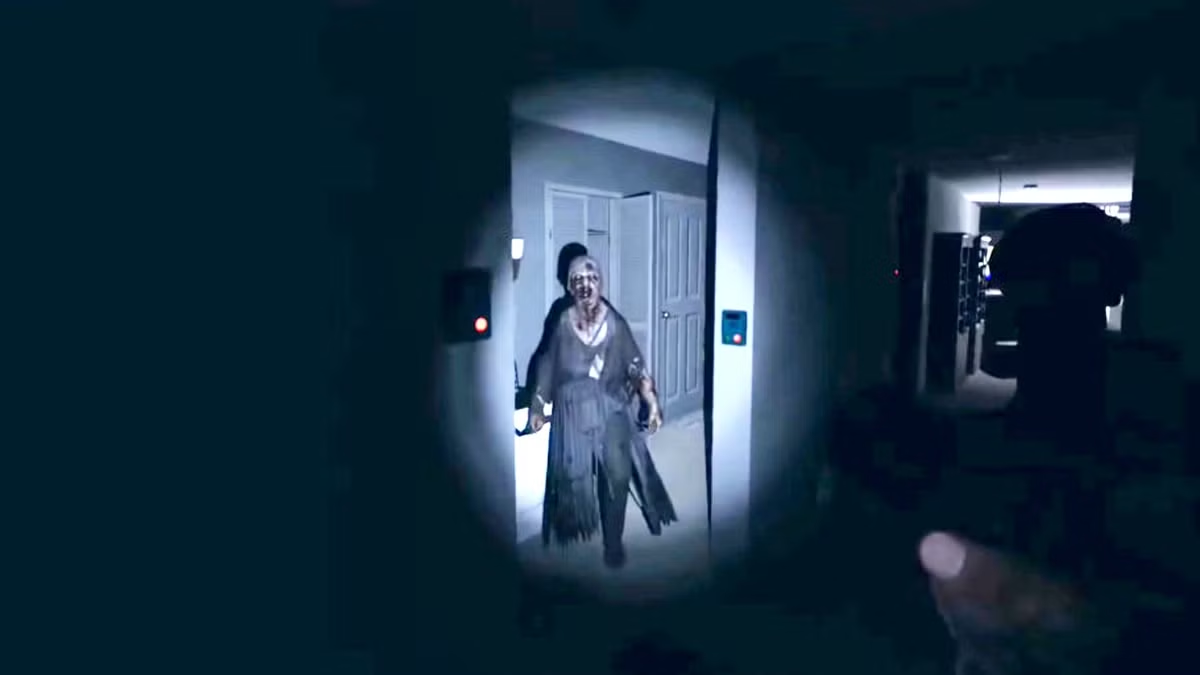
Ghost Recognition Issues
If your mic is too quiet in Phasmophobia, the game's voice recognition won't hear you when using the Spirit Box or Ouija Board.
How to Fix It
Cruze Blast amplifies the raw audio signal, ensuring that Windows Speech Recognition (which Phasmophobia uses) catches every word.
Setup Guide
- Route your mic through Cruze Blast to CABLE Input.
- In Phasmophobia's Audio settings, set your Microphone to CABLE Output.
- Test the voice recognition in the options menu.
Ready to dominate voice chat?
Download Cruze Blast for free and boost your mic volume up to 6000 dB with zero latency.
Download Cruze Blast