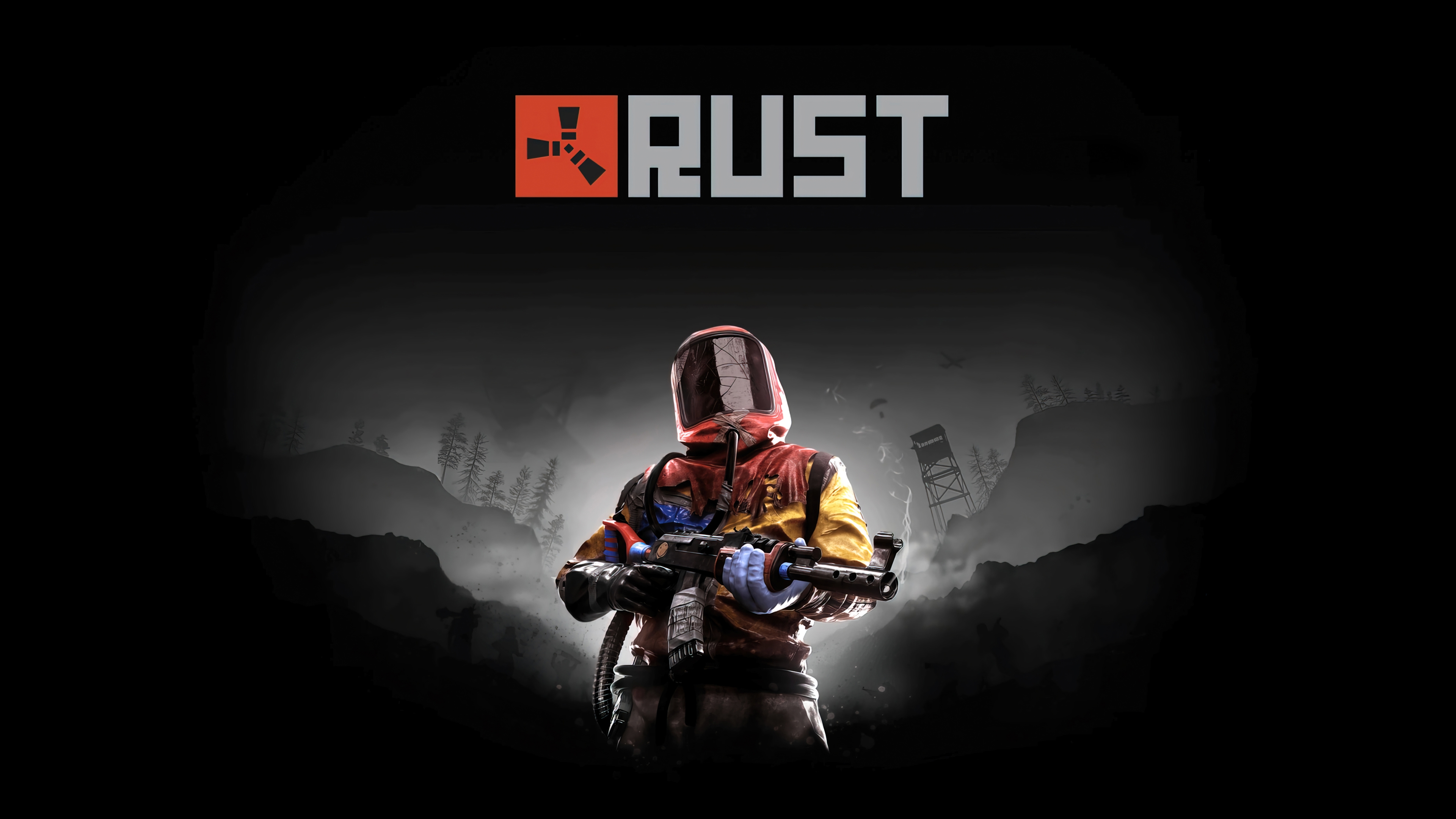
Rust Proximity Chat
In Rust, proximity voice chat is key to survival and diplomacy. A quiet mic means you get ignored or shot.
Setup Guide
- Launch Cruze Blast and route your mic to CABLE Input.
- Open Rust and go to Options > Audio.
- Rust uses your default Steam microphone, so make sure CABLE Output is set as your default device in Steam Voice settings.
Ready to dominate voice chat?
Download Cruze Blast for free and boost your mic volume up to 6000 dB with zero latency.
Download Cruze Blast